Running a Blended Learning Science Lab: Virtual and Hands-On Together
· By Labs For Home Team
A blended learning science lab runs the same experiment twice, once virtually and once with real equipment, in a deliberate order rather than as two disconnected activities. The simplest version is three steps: students prepare the experiment virtually, build it hands-on with a physical kit, then review it virtually afterward. That order matters more than either tool on its own.
Key takeaway
Run the same experiment three times, in this order: prepare it virtually, build it hands-on, then review it virtually. Each tool does what it does best without needing extra class time.
Why blend instead of picking one
A hands-on kit alone asks students to learn the steps of an experiment for the first time while also managing real equipment, which is a lot to do at once, and any mistake in wiring or setup can eat the whole class period before a single measurement happens. A virtual lab alone is safe and repeatable but never asks students to physically build anything. Blending the two lets each one do the part it is good at: the virtual pass removes the guesswork before class, and the physical pass delivers the parts a simulation cannot, real measurement, real troubleshooting, the feel of the equipment in your hands.
This also changes what a teacher spends class time doing. Instead of narrating instructions step by step while a room full of students sets up hardware for the first time, a teacher whose class has already prepared virtually can spend the hands-on session helping individual groups troubleshoot the parts that are actually going wrong for them, which is a better use of limited class time either way.
A three-step lesson structure
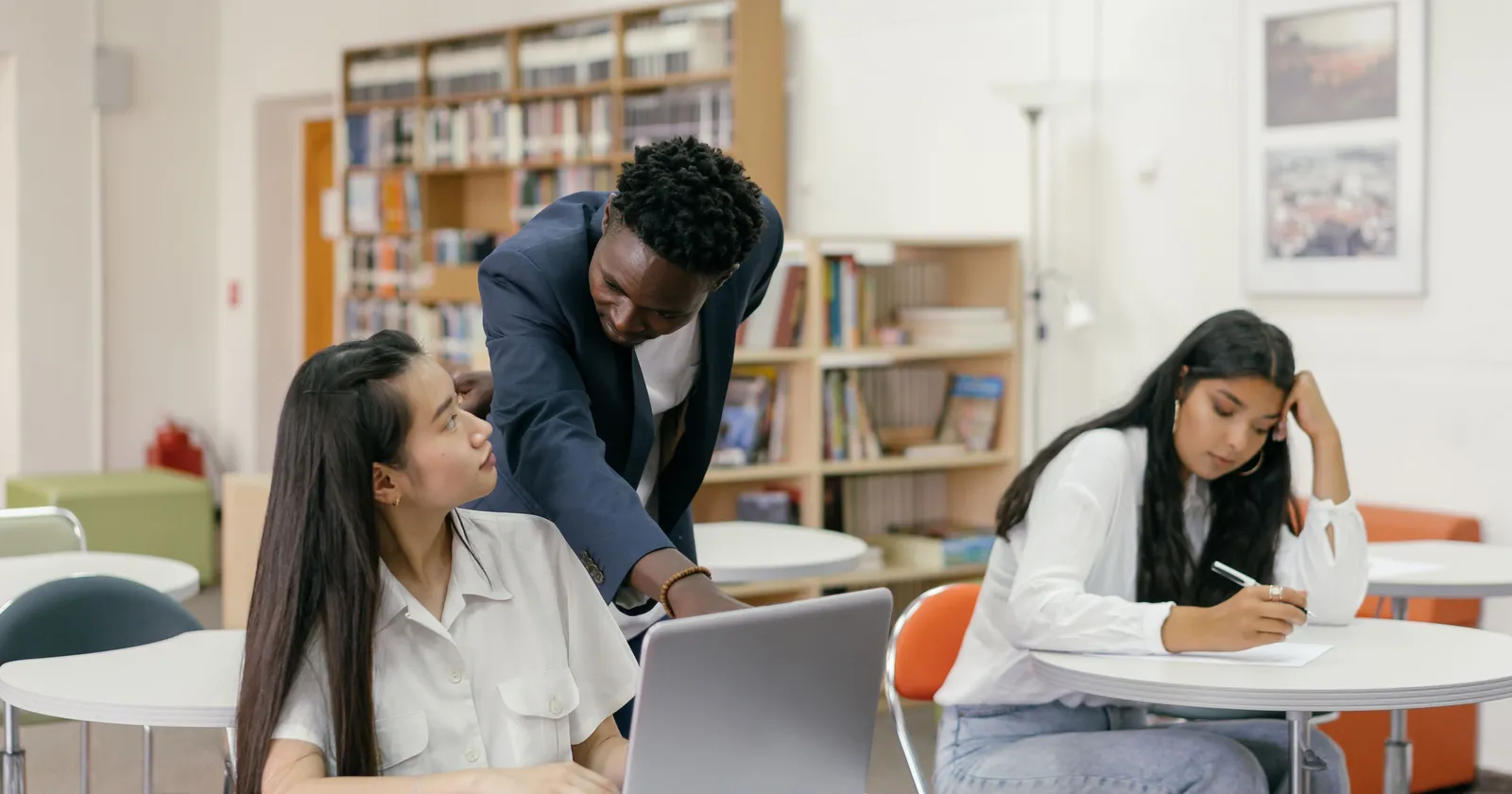
- Prepare: students run the experiment virtually before the hands-on session, so everyone arrives already knowing what each step is supposed to do and what result to expect.
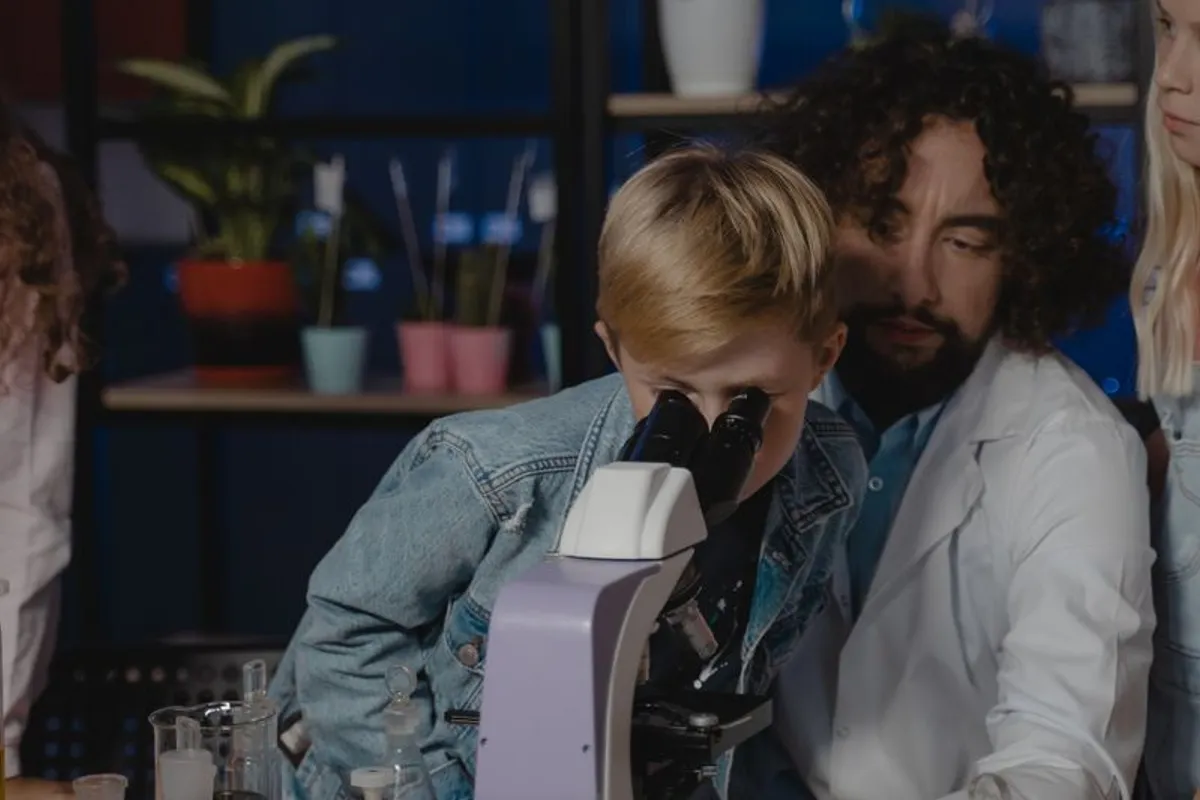
- Build: students run the same experiment with the physical kit, wiring or setting up the real sensors and taking the actual measurements.
- Review: students return to the virtual version afterward to repeat it, compare their real result against the expected one, or catch up if they missed the hands-on session.
What this looks like with a real experiment
Take a biology experiment on how light affects photosynthesis. In the prepare step, students run the virtual version first and see how changing the light source shifts the measured outcome, without using up a single real reagent or plant sample. In the build step, they set up the same measurement with the physical kit's light and gas sensors, where the room's actual lighting, a slightly loose connection, or a sensor that needs recalibrating all become part of what they have to work through. In the review step, a student who wants to try a different light setting, or who missed the session entirely, can still run it virtually and see a comparable result.
The same three-step shape works for a physics or chemistry topic too, not just biology; what changes is which variable students explore virtually before they touch the real hardware. The structure, prepare, build, review, is the reusable part, and a teacher can apply it to a new topic each term without redesigning the lesson from scratch.
Common pitfalls when blending
- Treating the virtual pass as optional extra credit instead of the actual preparation step
- Skipping the review step, so students who struggle during the hands-on build never get a second attempt
- Running both versions back to back in one session, which removes the benefit of students arriving prepared
Fitting it into your existing schedule
Blending does not need a separate timetable slot. The prepare step can be assigned as homework the night before, or run for the first five to ten minutes of the class period before the hands-on session, and it does not need a computer lab, since a single shared device or a phone browser is usually enough for one student to work through it. The review step can likewise be homework, or the first few minutes of the next class, rather than a whole extra period. The point is sequencing what a class already does, not adding a new block of time to the week.
Getting started this term
Pick one experiment your class already runs hands-on and add a short virtual prepare step before it, even five or ten minutes at the start of the previous class. Once that pattern feels natural, add the review step afterward so students who need another attempt, or who missed the hands-on day, are not left behind. The kit and the virtual library work independently, so you can start with whichever one your class already has, and expand the pattern to a second topic once the first one is running smoothly.